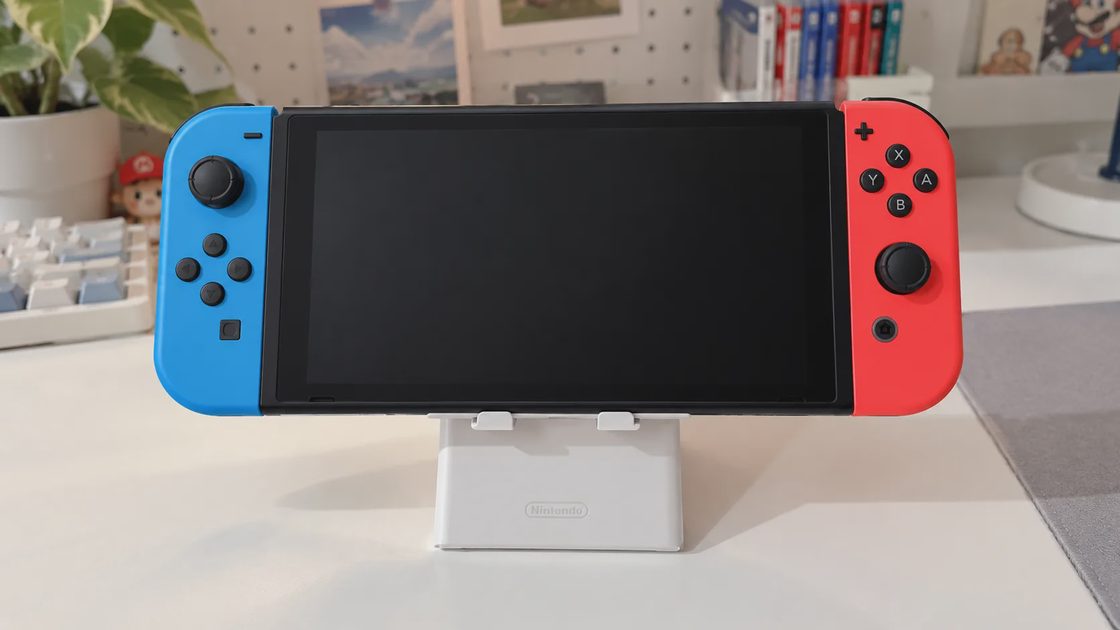
Most weeknights the problem is not the game. It is everything that happens before the game starts.
You get home with forty-five or ninety minutes. You want something light, something that respects the time you actually have. You pick up the Switch OLED, open the case, and then the friction begins: battery low, system update waiting, Joy-Con not charged, screen still unprotected so you hesitate to toss it in a bag tomorrow. By the time the console is ready, the evening energy is gone. What started as a clear plan to play turns into another night of half-decisions and delayed starts.
I ran into this exact loop last week. Two free hours after work. A short list of games I actually wanted to play. One small hesitation kept getting in the way: the OLED screen was still bare. I decided to remove that particular friction once and for all so it would never compete with actual play time again. I ordered a four-pack of tempered glass made for the Switch OLED and installed one the same evening. The whole process took under half an hour. After that I finally started a game instead of researching accessories.
🛒 Check Price & Reviews on Amazon
The Real Problem With “Just One Hour”
Busy adults do not lose gaming nights because the games are bad. They lose them because the setup cost is higher than the available energy. A forty-five-minute window disappears when you have to wait for an update, hunt for a charged Joy-Con, decide whether the bare screen is safe to travel with, or simply stare at a backlog and freeze. Each of those small decisions drains the same limited attention you need to actually enjoy the game. The longer the setup takes, the more the evening feels like work instead of recovery.
A screen protector does not fix the backlog problem. It does not choose the right game for a tired brain. It does not make a long RPG fit into a short session. What it does is remove one small, recurring hesitation. Once the glass is on, the console becomes slightly more “grab and play.” That is the only value that matters on a weeknight. Everything else—updates, charging, case choice—still needs to be handled, but the screen no longer adds another layer of second-guessing every time you pick the console up.
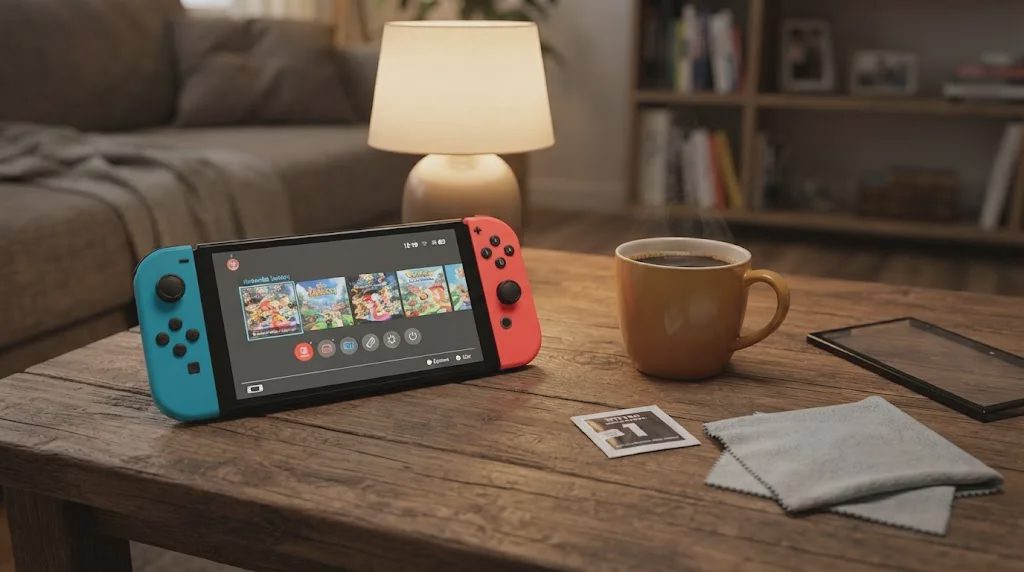
Make the Switch Ready Before You Sit Down
The useful checklist is short and does not need to become a project:
Charge the console and at least one Joy-Con pair the night before or during the day.
Let any system or game updates finish while you are still at work or cooking.
Keep a case that actually fits the OLED so you are not rearranging bags at 9 p.m.
Protect the screen once so you stop worrying about it every time the console leaves the dock.
The last item is where a Nintendo Switch OLED Screen Protector fits. It is not the most important step. It is simply the one that only needs to be done once. After that, the decision is finished and never competes with the limited evening window again. The goal is not a perfect setup. The goal is a console that no longer argues with you when you finally have time to play.
What the Install Was Actually Like
I cleared a small space on the coffee table, turned on a lamp, and opened the ivoler pack. Four tempered-glass protectors, one alignment frame, wet and dry wipes, a squeeze card, and a short guide. The pack cost $8.86.
The alignment frame is the part that keeps the process low-friction. It snaps around the bezel and removes the usual centering guesswork. I cleaned the screen, placed the frame, peeled the backing slowly, set one edge, and let the glass settle. A couple of small bubbles appeared; the included card pushed them out in under a minute. Total time from opening the box to a clean screen: roughly twenty-five minutes on the first try. I still had time left to play.
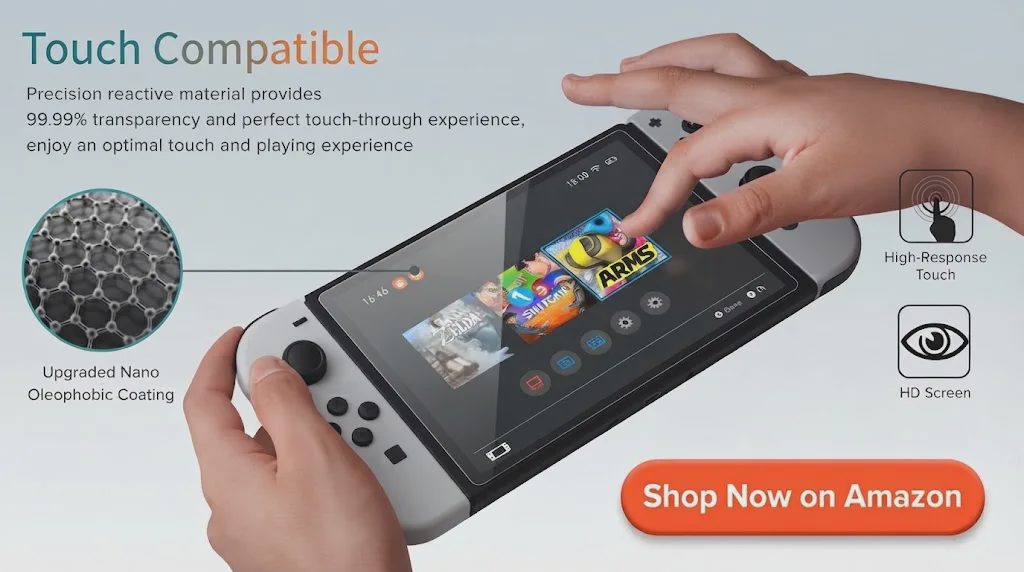
The glass is thin enough that touch response stayed normal and the OLED colors looked unchanged. It sits clean against the bezel and does not interfere with the dock or the cases I already own. Having three extra protectors in the box means a second chance if the first install goes sideways, or a spare for later if the glass ever needs replacing. That single detail removes the pressure of needing a perfect first attempt on a weeknight when energy is already limited.
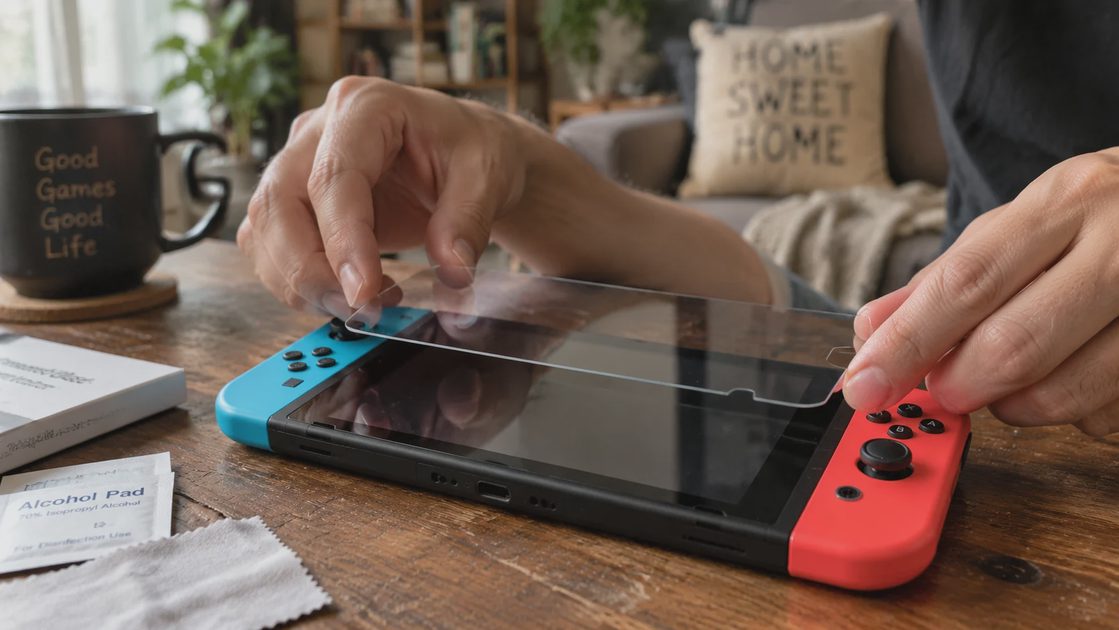
A few practical notes. The dust stickers are aggressive—useful, but easy to over-handle if you rush. The wet wipe is small; one careful pass under good light works better than repeated scrubbing. Installation still rewards a clean surface. I did mine at night with the window closed. A dusty room or bright sunlight reflecting off the screen would make the job harder and more likely to trap particles. Working slowly under steady light made the difference between a clean result and a redo.
🛒 Check Price & Reviews on Amazon
Who Should Bother—and Who Shouldn’t
Worth the twenty-five minutes if:
the OLED screen is still bare
you carry the console between home, work, or a bag
you want the decision finished so it never competes with actual play time again
you prefer to spend the evening inside a game rather than deciding whether the screen is safe
Not worth the time if:
you already have a protector you like
you prefer a matte finish (this one is glossy clear)
your real problem is that you cannot decide what to play
the twenty-five minutes would eat the entire window you have left
The last two points matter most. A clean screen does not solve “I have ninety minutes and no idea what fits the mood.” That is a different friction, and it is usually larger. Protecting the hardware is useful only after you already know the evening is going to be spent playing something. Otherwise you simply end up with a better-protected console that still sits unused.
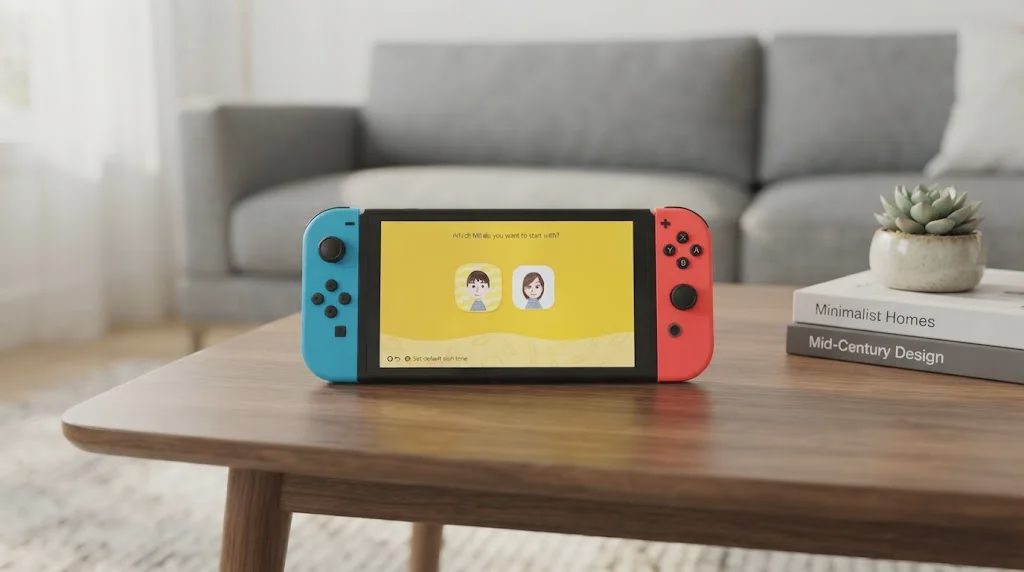
Good Setup, Wrong Priority?
Protecting the screen is a one-time cost that removes a recurring hesitation. Charging and updating are recurring habits that remove larger hesitations. Choosing a game that actually fits a tired, short session is the decision that decides whether the evening feels successful.
I kept the pack because the alignment frame made the install low-friction and the price stayed under ten dollars. After the glass was on I docked the console, undocked it, put it in a case, and started a short session without thinking about the screen again. That is the only outcome that mattered that night. The protector did not make the game better. It simply stopped competing with the game for attention.
If the screen is still bare and the twenty-five minutes will not steal the entire evening, it is a reasonable once-and-done step. If the real barrier is that you cannot decide what to open, spend the time on the game list instead. Low friction only helps when the rest of the evening is already pointed at something worth playing. A ready console with nothing worth opening is still a failed night. The setup exists to serve the session, not the other way around.
The setup is ready. The next decision is the only one that actually decides whether the night works: what are you going to open?
If you have 30–60 minutes left tonight, start with the short-session picks.
No comments yet — grab the first one.