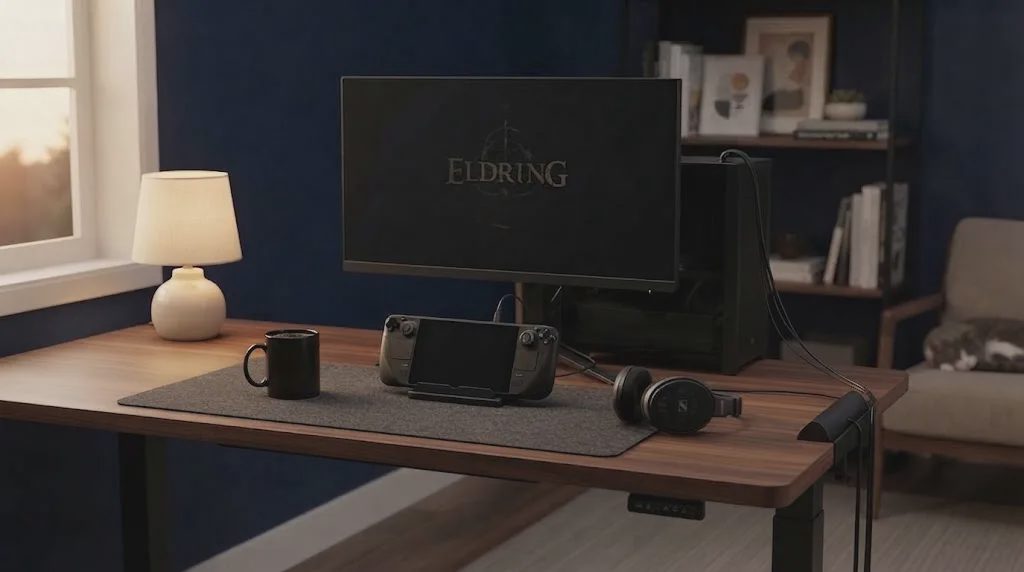
Most weeknights I get home, eat, and have maybe 45 to 90 minutes before I need to wind down. I want to sit down and actually play something—Steam Deck docked, controller charged, monitor already on—not spend the first ten minutes hunting for an open outlet or untangling cables under the desk. That last bit of setup friction was killing more short sessions than any backlog ever did. After one too many evenings spent crawling for power instead of starting a run, I clamped a desk clamp power strip to the back edge of my desk. It has stayed there ever since.
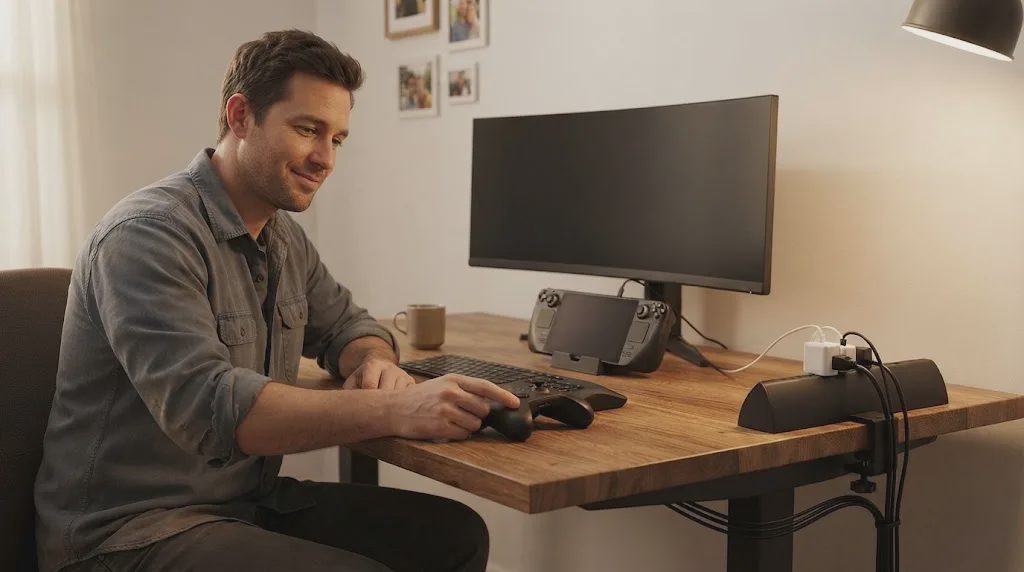
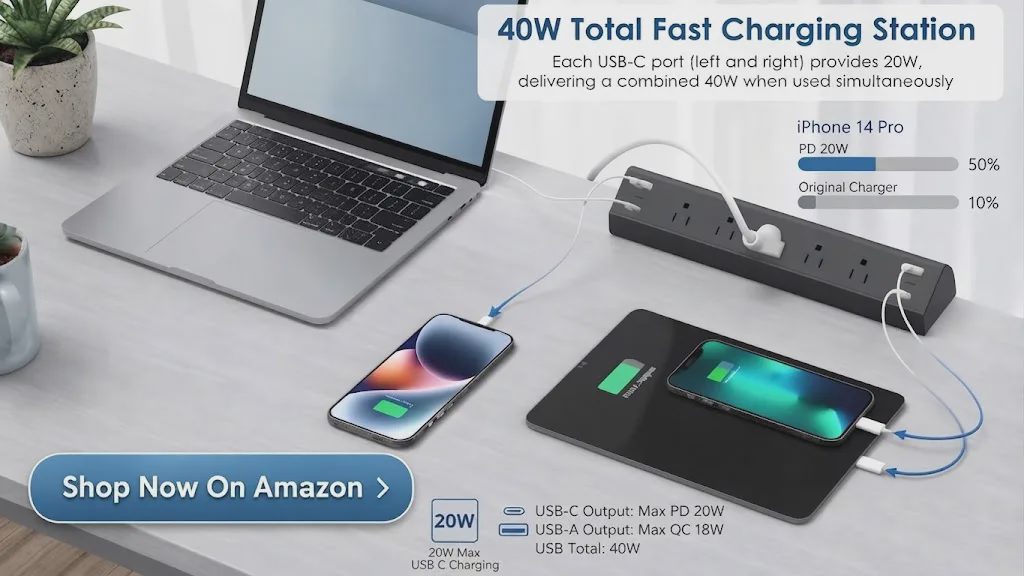
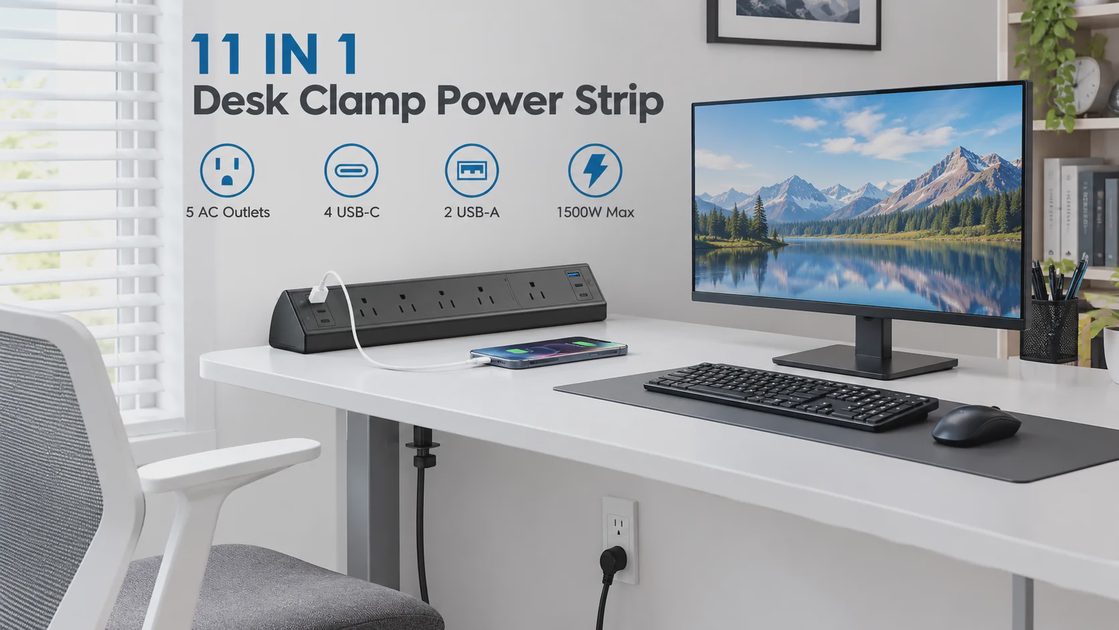
At $32.99, the details that actually mattered for my desk were five spaced AC outlets, four USB-C ports sharing 40W total, and a clamp that fits up to 1.96 inches thick. Those numbers let me keep everything charged and reachable without losing surface space or crawling under the table.
🛒 Check Price & Reviews on Amazon
What Actually Slowed Me Down Before
I work a regular job and treat game time as limited. Most nights the window is short: one more run, a short story chapter, or a quick co-op match. The old setup forced me to solve the same problems every evening:
Find an open outlet or unplug something else
Pull cables out from under the desk
Wait for a controller or Deck to charge before I could start
Clear space on the desk surface just so the power strip itself had room
That friction turned “I have 60 minutes” into “I have 45 minutes after setup.” That was the reason I wanted a clamp-style setup in the first place—so the desk stayed ready for weeknight gaming and short gaming sessions. When you only have a limited window after work, every extra step becomes a reason to skip the session entirely. I had already noticed that pattern more than once: the evening started with good intentions and ended with me scrolling on my phone instead of playing because the desk still felt like a project.
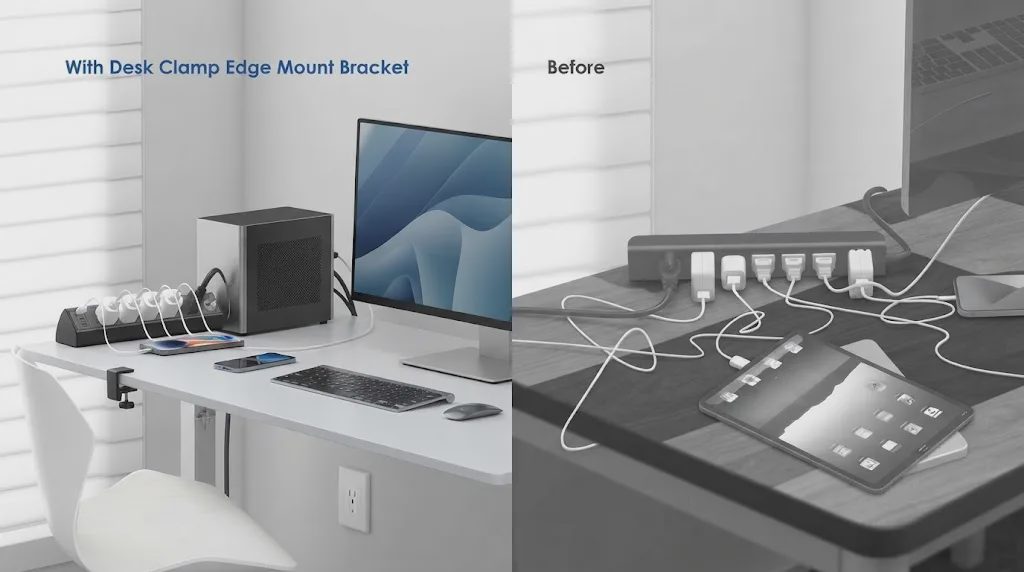
Installation took under two minutes. I left the recommended gap from the wall, tightened the clamp, and the strip sat solid. It has not shifted since. The main power cable drops behind the desk, and the USB ports stay within easy reach while I stay seated. Once everything is in place, the only remaining step is sitting down and deciding what to open.
How the Setup Actually Feels on a Real Weeknight
Once the strip is clamped, the five AC outlets stay occupied by the monitor, dock, lamp, and a small fan. The spaced layout means the larger bricks do not block neighboring sockets. I leave one USB-C cable permanently attached for the phone and another for the Steam Deck. Controllers and earbuds take the remaining ports when needed. When I sit down after work, the devices that need power are already connected or already charged.
The shared 40W USB budget is enough for phones, tablets, and a handheld. It is not meant to replace a dedicated high-wattage laptop charger, and I do not use it that way. Surge protection is rated at 1200 joules with an ETL listing and fire-resistant housing. In an area with occasional brownouts it has stayed reliable. The only real operational note is that spreading high-draw USB devices across both sides of the strip keeps charging stable; stacking multiple high-current devices on the same side can slow things down.
How It Fits the Way I Actually Play
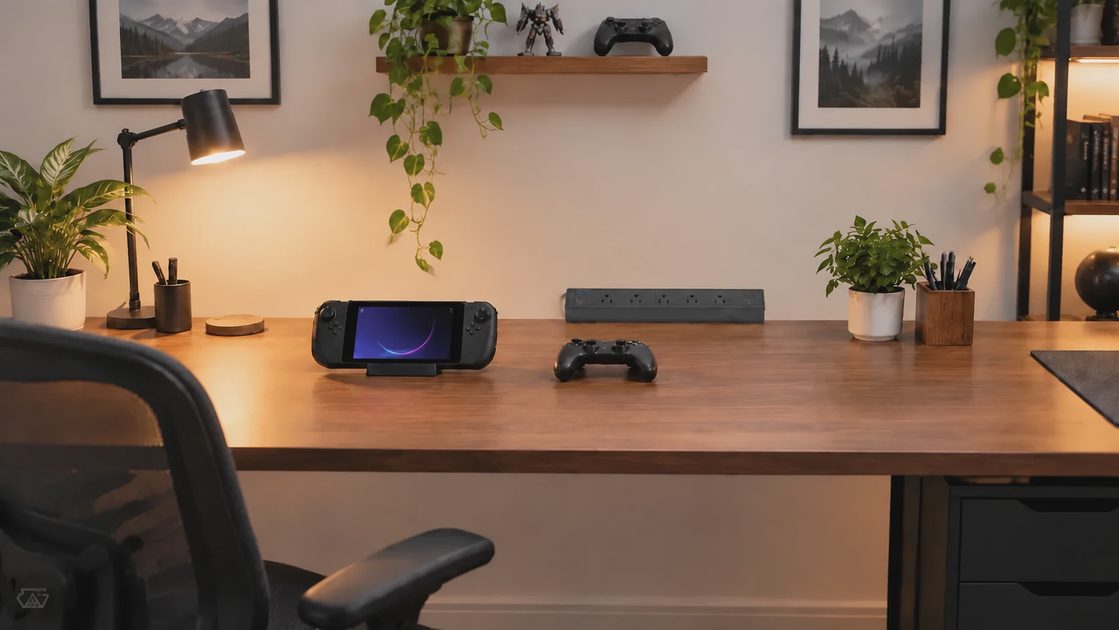
Most evenings I want something I can start in under five minutes. A clean power setup removes one more obstacle between me and the first session of the night. Controllers stay charged, the Deck is ready, and the desk surface stays clear for a keyboard or mouse when I switch to a longer title. Cables drop behind the desk instead of crossing the play area. That small change makes the whole station feel more ready for after-work gaming and short gaming sessions.
The difference shows up in the first minutes of a weeknight. I no longer spend time solving power problems before I can decide what to open. The desk is already in a state that supports a 45-minute run or a 90-minute story stretch. For someone who treats game time as limited and wants low-friction starts, that readiness is the actual value. It turns the limited window into actual playtime instead of logistics. On nights when I am tired, that single reduction in friction is often the difference between starting a session and skipping it altogether.
I have noticed the same pattern on weekends when I only have a short block free. The desk stays in a ready state, so I do not have to rebuild the setup every time. That consistency matters more than any single feature when your free time arrives in small pieces rather than long uninterrupted stretches.
Tonight Test
Check | Result |
|---|---|
Ready-to-play setup | Under 5 minutes |
Best for | Steam Deck + monitor + controllers |
Session length fit | 45–90 minute after-work windows |
Main benefit | Less setup friction before play |
Watch out | 40W shared USB total |
Skip if | You need high-wattage laptop charging from USB or a thicker desk |
A quick comparison of how different power approaches affect short-session readiness:
Factor | Floor Strip | Basic Desktop Strip | This Clamp Setup |
|---|---|---|---|
Setup friction | Requires reaching under desk | Requires clearing surface space | Power stays within arm’s reach |
Desk surface used | None | Takes noticeable surface space | Almost none |
Device readiness | Manual connection each night | Manual connection each night | Mostly pre-charged |
Short-session steps | Extra cable handling each time | Extra space clearing each time | Minimal extra steps |
Reach while seated | Requires leaning or standing | Requires leaning across desk | Stays within normal seated reach |
For the kind of limited after-work windows I actually have, the clamp approach keeps surface space free and power within reach without forcing a different desk routine.
🛒 Check Price & Reviews on Amazon
Limitations That Still Matter
The clamp fits desks up to 1.96 inches thick. Thicker tops or some standing-desk frames will not work—measure first. The orientation is fixed once tightened; there is no swivel for frequent moves. USB total power is 40W shared, so simultaneous high-draw devices share that budget. There is no extra cable management beyond the clamp itself. These are real constraints, not deal-breakers for an average home gaming desk used for short after-work sessions. They simply define the kind of desk and the kind of routine this setup supports.
Who This Setup Fits—and Who Should Skip
This kind of clamp power strip works if:
You keep a permanent desk for work and short evening sessions
You want outlets and USB charging within arm’s reach without losing surface space
Your routine includes a Steam Deck, controllers, or a dock that benefits from staying charged
Your desk thickness is 1.96 inches or less
You care more about low-friction starts than maximum USB wattage
Skip it if your desk is thicker, if you regularly charge high-wattage laptops from the USB ports, or if you need a fully portable or rotating unit. In those cases a different form factor will serve better.
For this kind of desk and this kind of gaming routine—limited free time, after-work windows, preference for sitting down and starting—the limitations are easy to work around. The goal is not to own the most powerful charging station; the goal is to keep the path between “I have a free hour” and “I am actually playing” as short as possible.
Closing Notes
The clamp power strip has become a quiet part of my weeknight routine. It keeps power reachable, cables mostly out of sight, and the desk surface free so I can decide what to play instead of first solving logistics. The shared 40W USB budget and fixed clamp are real limits, yet for the way I use the desk—short after-work sessions, Steam Deck and controllers, limited free time—they stay manageable. If your own evenings look similar, the question is less “is this a good power strip” and more “does this reduce the friction between sitting down and actually starting a session tonight.”
No comments yet — grab the first one.